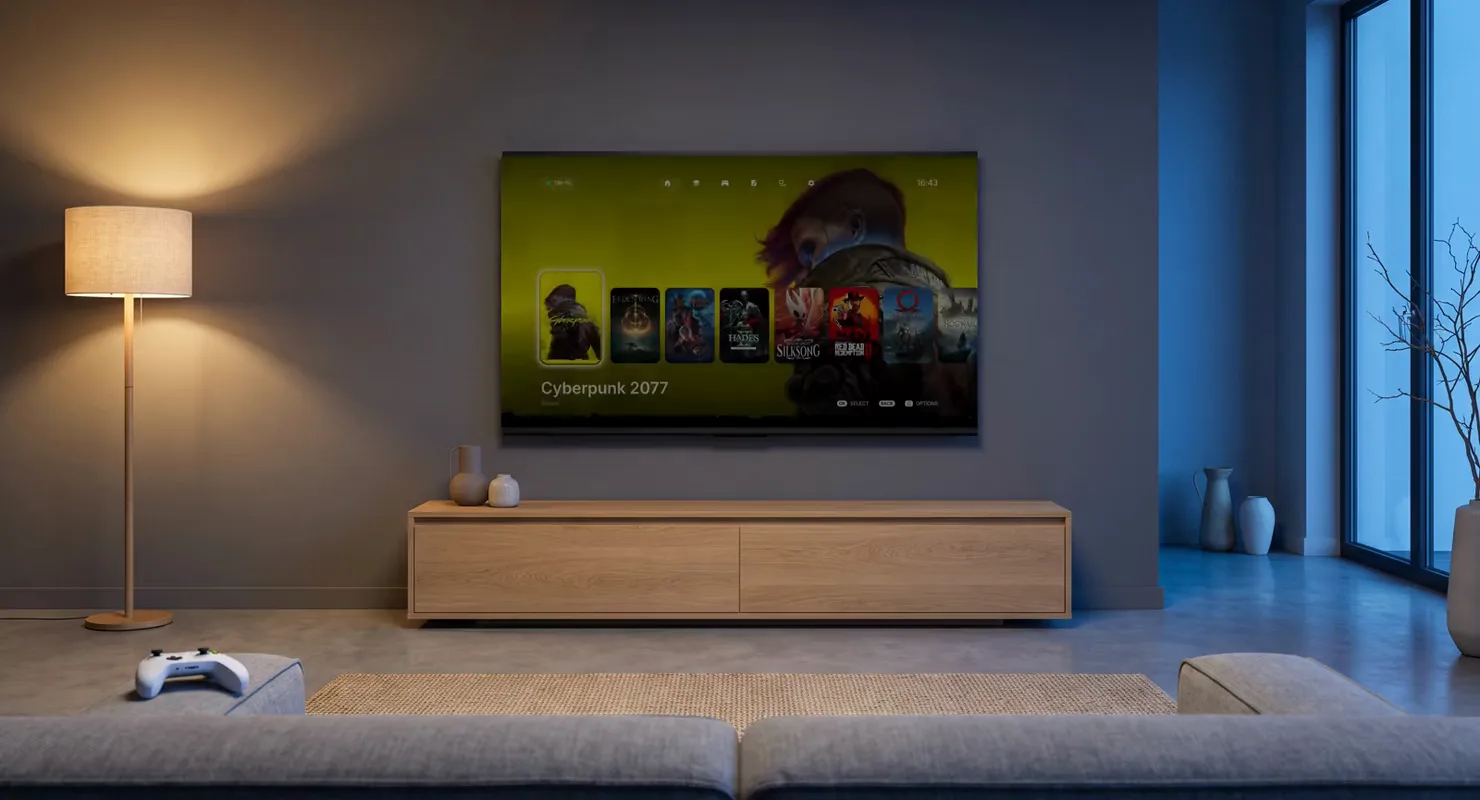
In developmentAndroid TV, webOSKotlin, C2026
CouchDeck
Your gaming PC on the TV, as a console.
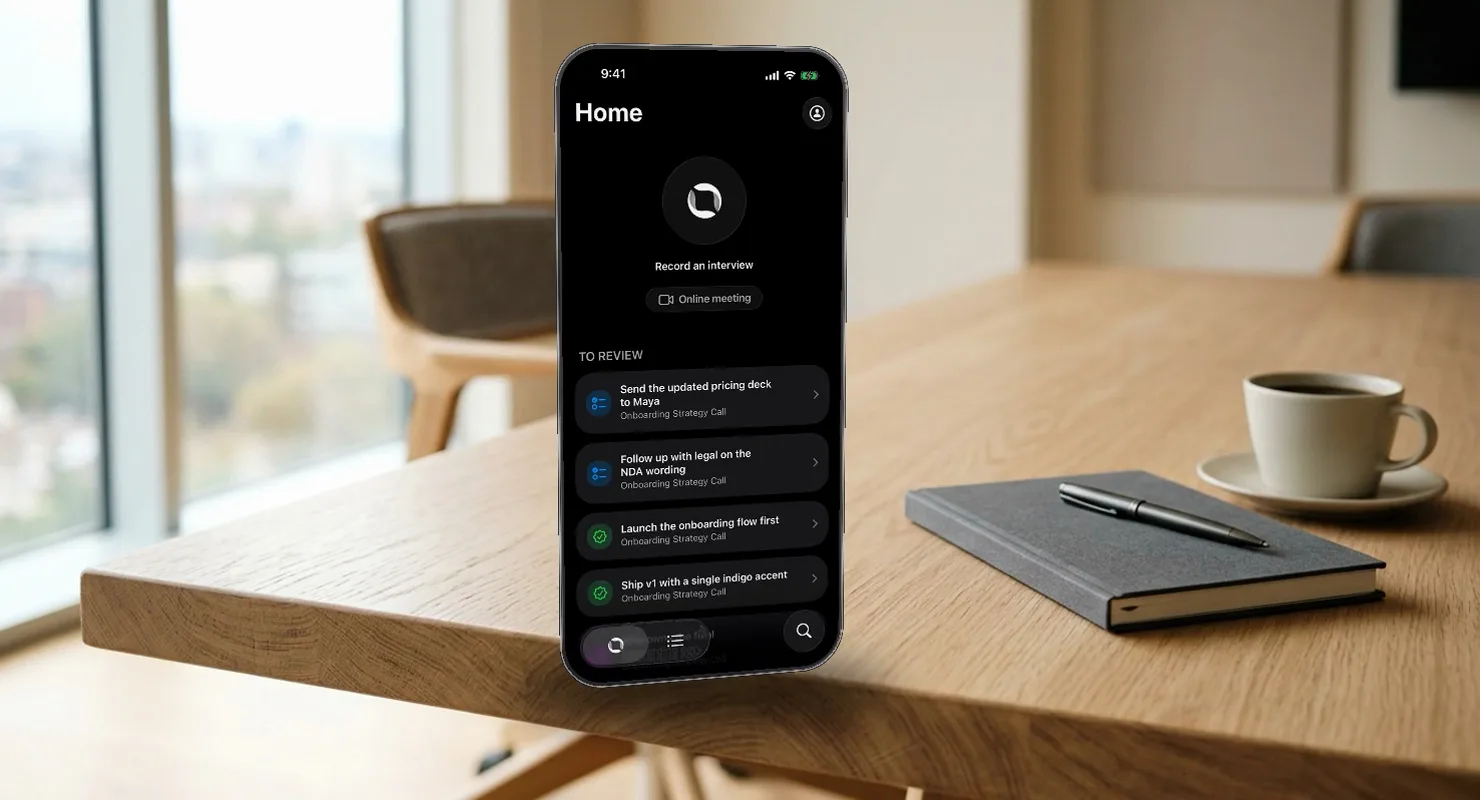
A meeting assistant that understands the conversation on your phone, in real time, and turns it into tracked work.
The problem
Most meeting assistants give you a transcript and a summary after the fact. But the commitments made in a 1:1, an interview or a client call still don't land anywhere: they live in a Notion page nobody reopens. And the remote-only bots can't join a table with three people around it.
So Eily captures the conversation on the phone, understands it while it happens, and writes the outcomes — tasks, decisions, open questions, follow-up meetings — straight into the tools where work already lives. The audio stays on the phone unless you turn on backup.
What I built
A native iOS app in SwiftUI. One AVAudioEngine tap fans audio to four consumers — a level meter for the brand glow, the speech engine, an .m4a writer, and diarization, which now labels speakers sentence by sentence while you record. Speech comes from Apple's SpeechAnalyzer or, for Russian, a 272 MB on-device GigaAM model. Understanding runs on Apple Intelligence's Foundation Models by default, with Qwen 3 4B through llama.cpp and a cloud GPT path — routed through Eily's own backend, so no key ships in the app — behind the same protocol.
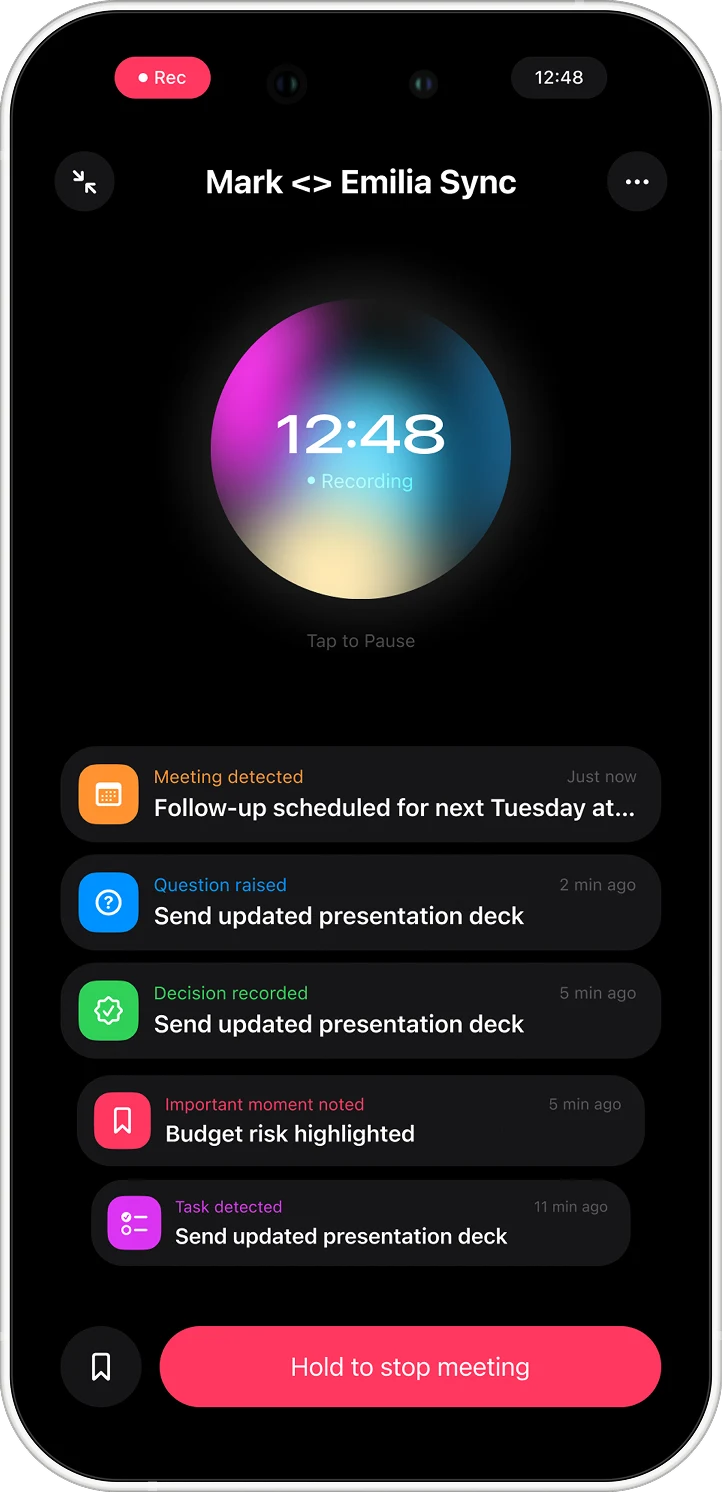
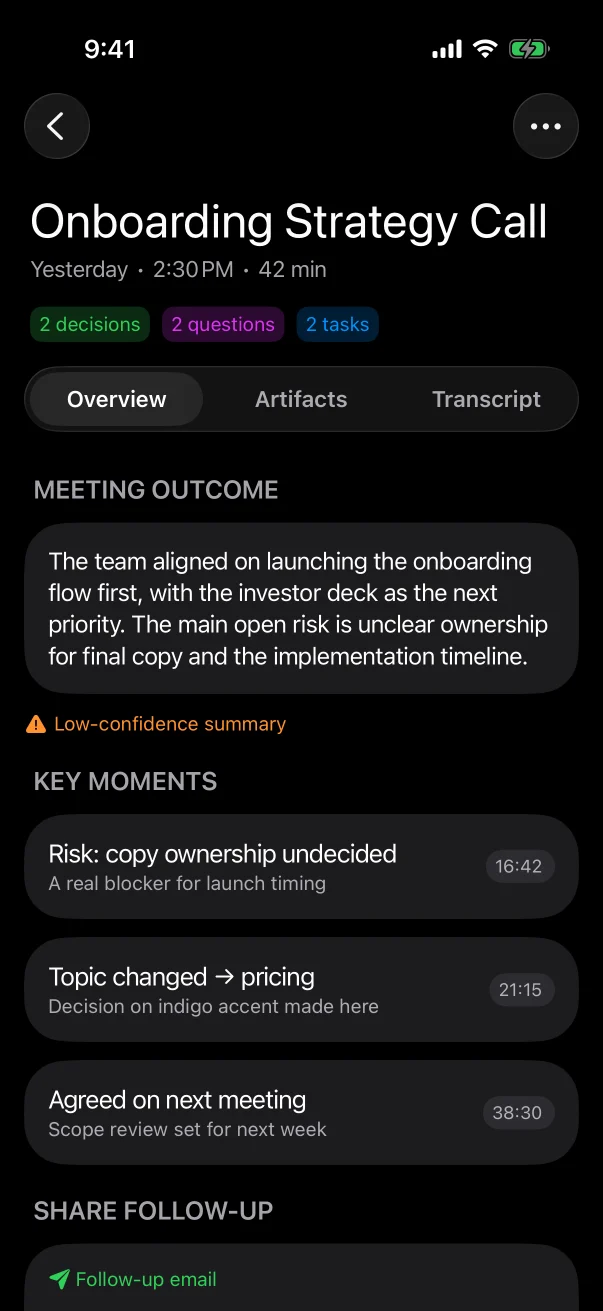
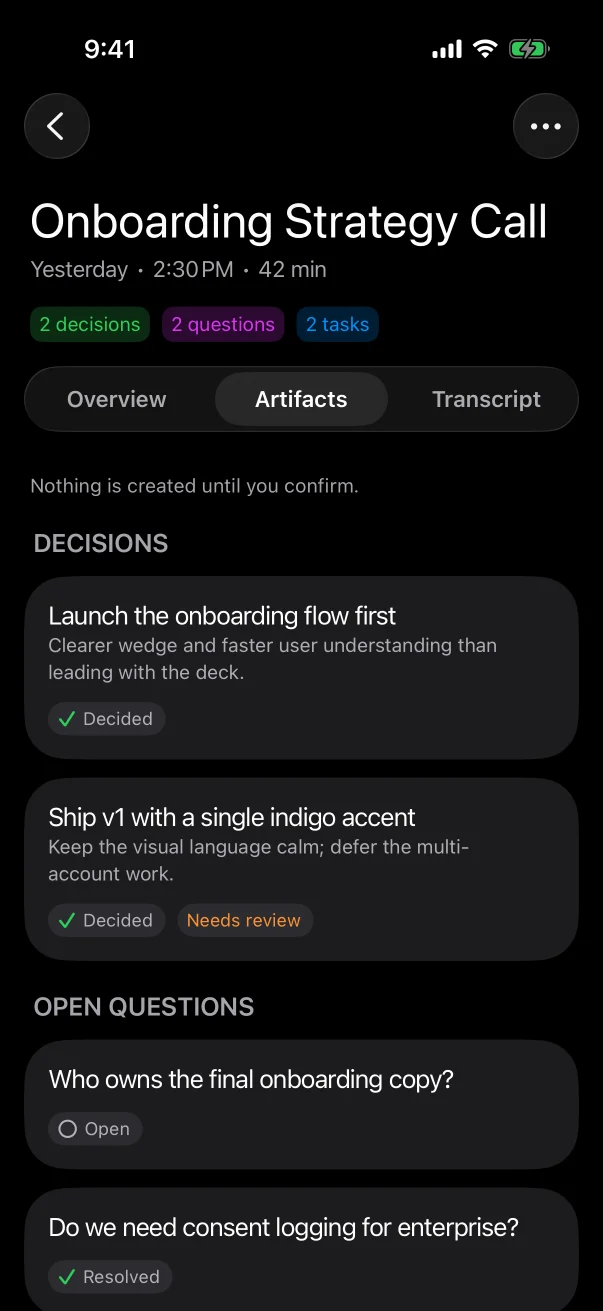
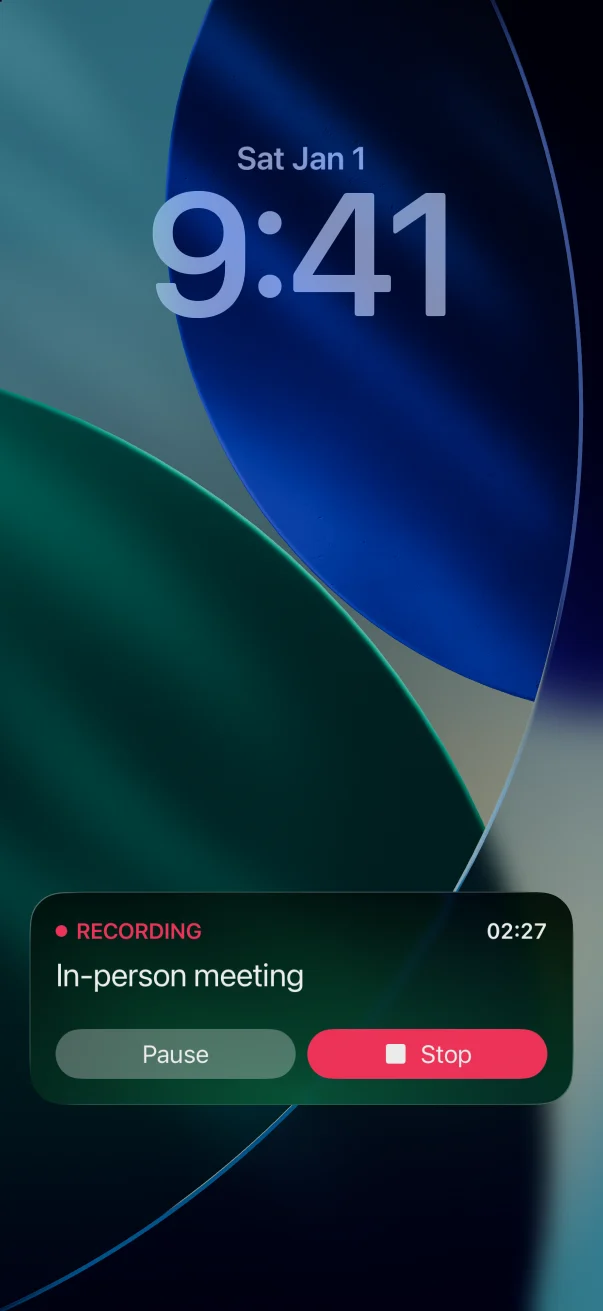
After the meeting the page holds the outcome, the key moments with their timestamps, and every decision, question and task as an artifact waiting for you. The Live Activity keeps the recording on the lock screen, with Pause and Stop.
Design decisions
Nothing is written anywhere before you confirm it — the confirm gate is the one rule in the codebase marked "sacred". Confirmed items go, each to the destination you pick, through the backend to Todoist, Linear, Google Calendar, Gmail, Outlook, Trello, Jira or Asana, with the device's own Reminders and Calendar as a safety net if the backend is unreachable.
Colors, type, spacing, radii, motion, glass — all tokens, injected through the environment. A Figma value with no token means stop and ask. Type is SF Pro, and the code converts Figma's line heights using its measured line-height ratio (1.19335). Plain line spacing would be off by 2.5–3.3 pt on every screen. The design itself has its own case.
The same brand glow runs from splash to Home to Recording to Processing to Success, driven by mic level and stage progress, with a dither texture to fight OLED banding. Motion tokens have intent names — stateFlip, disclosure, celebrationPop, liveCardIn — and Reduce Motion keeps a 0.15 s cross-fade instead of a hard cut, because a hard cut hides what changed.
A mis-tap must not end a meeting you can't hold again. Stopping is a deliberate gesture, and under Reduce Motion it becomes a plain button.
If the local model fails at selection, at preparation, or because an asset is missing, each layer falls back to the next — down to audio-only with an honest banner.
The hard parts
A 16.66-second inference over an opening 'hello' once swallowed the only sentence in a 25-second recording that contained a task and a meeting. LiveInferenceGate now runs one inference at a time; a trigger that arrives while it is busy waits and runs next instead of being dropped.
Loading an on-device model takes seconds. A separate transcription queue buffers audio while the model warms up, so the first sentence of the meeting is never lost.
A quantized MiniLM embedding graph — mean pooling and normalization inside the Core ML graph, Swift only tokenizes — detects topic change points, and an incremental processor only works on windows safely behind the open semantic tail. By the time you stop recording, most of the final pass is already done.
Each changed meeting is flagged and pushed on its own, so one failure doesn't block the rest. The flags survive the app being killed, and the app retries on launch, on return to the foreground and after each recording. Pull uses an updated_since cursor with last-write-wins — except that anything you acted on locally always survives.
The fastlane lane preflights every trap before spending minutes on an archive: a non-UTF-8 Ruby locale that makes the build tool swallow the real error, missing secrets, missing App Store Connect keys. The build number is read from App Store Connect, not kept in the project.
How it was built
Three of us built the iOS app: me, Andrey Ezhov and Rashit Bayazitov. 1,075 commits across all branches in fifteen weeks, 68% of them co-authored with Claude. The repo is set up for agent work: an AGENTS.md map, Cursor rules for design tokens and QA screenshots, a paste-in onboarding prompt for a new agent, and 41 specs with 36 plans beside them. 1,585 tests, 33 of them UI tests, and a documented audit of every feature as real, local, mock or stub with file-and-line evidence.
Where it stands: build 1.0 is on TestFlight, account deletion — the last requirement before external testers — shipped on 20 September.
In developmentAndroid TV, webOSKotlin, C2026
Your gaming PC on the TV, as a console.